You haven't signed in yet, you can have a better experience after signing in
*Please complete the payment within {{receiveCouponInfo.expire_at}}Previous use*
You haven't signed in yet, you can have a better experience after signing in


Activity Rules
1、Activity time:{{ info.groupon.start_at }} ~ {{ info.groupon.end_at }}。
1、Activity time:cease when sold out。
2、Validity period of the Group Buying:{{ info.groupon.expire_days * 24 }} hours。
3、Number of Group Buying:{{ info.groupon.need_count }}x。
Please Pay Attention
1、Teamwork process: Join/initiate a Group Buying and make a successful payment - Within the validity period, the number of team members meets the activity requirements - Group Buying succeeded!
2、If the number of participants cannot be met within the valid period, the group will fail, and the paid amount will be refunded in the original way.
3、The number of people required and the time of the event may vary among different products. Please pay attention to the rules of the event.
Password protected programs and applications, set passwords for any Windows application
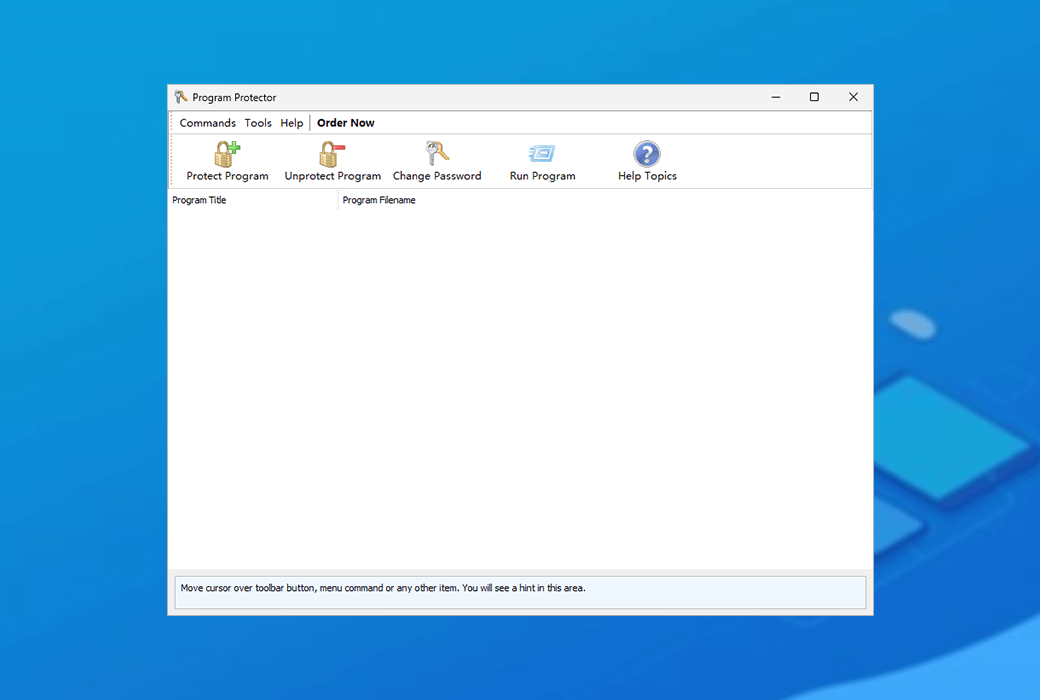
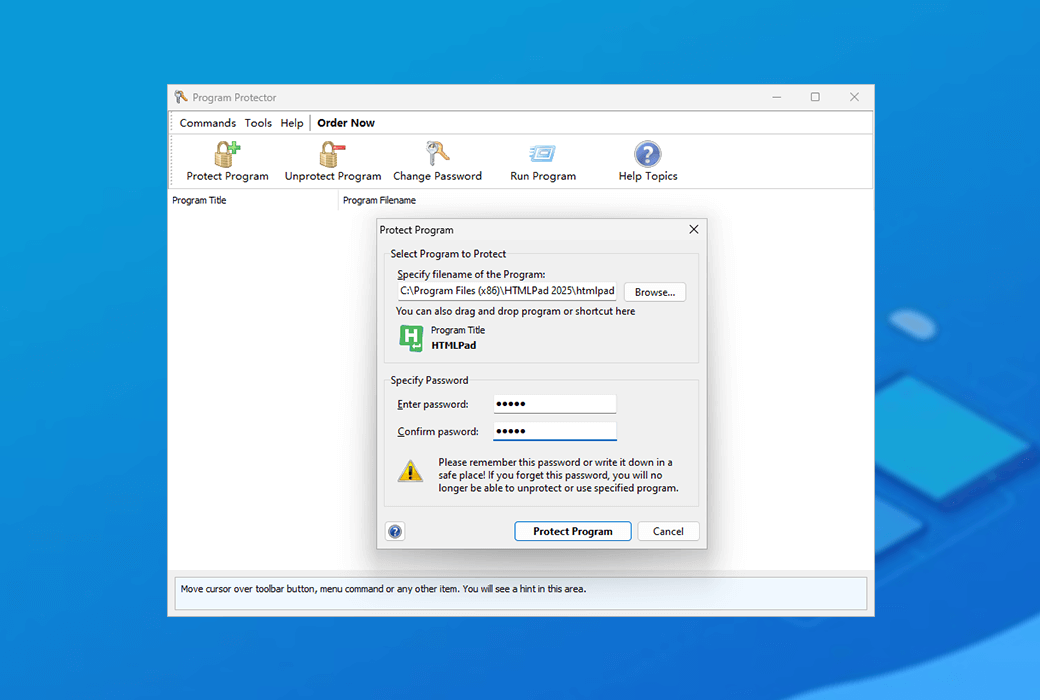
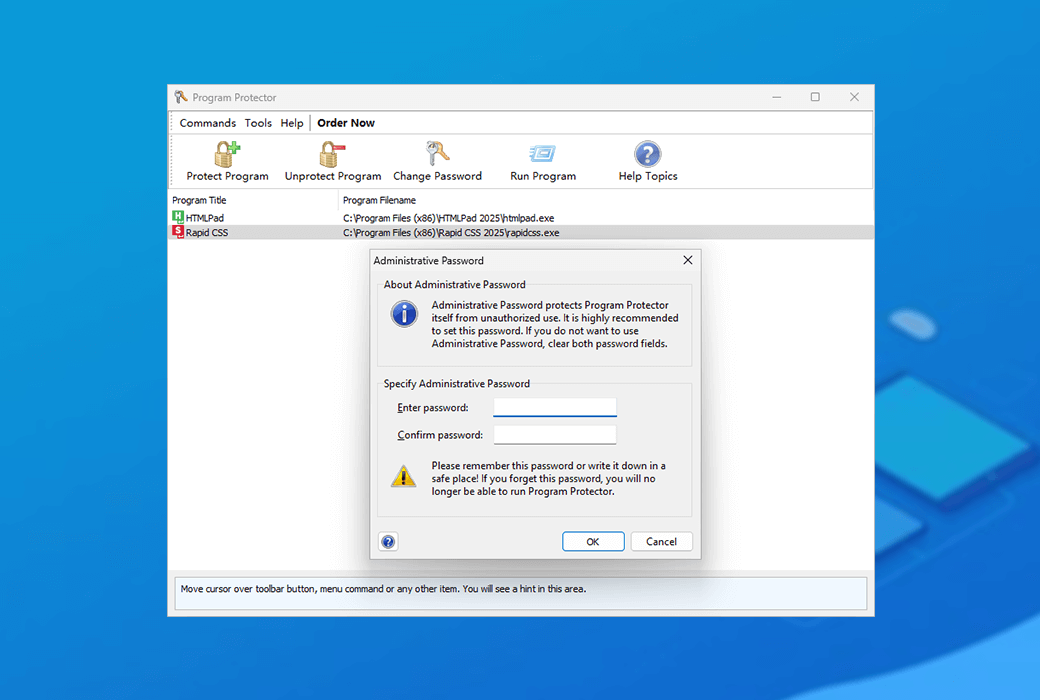
Program Protector is a simple and easy-to-use Windows system program password protection tool. You can easily set password protection for any Windows application. Program Protector is very easy to use and does not require any special computer knowledge. Just a few clicks of the mouse are enough to set password protection for the program.
Main features and advantages
What are the advantages of Program Protector?
The unique feature of Program Protector is that it is compatible with any Windows program and unlike other protection software, it can effectively prevent and evade attacks. Malicious users cannot disable protection by renaming protected program files, and cannot uninstall Program Protector without a password.
Official Website:https://www.blumentals.net/protector/
Download Center:https://program-protector.apsgo.cn
Shipping Time: processed manually online
Operating Platform: Windows
Interface Language: supports English interface display, with multiple languages available.
Update Instructions: supports free upgrade updates for 6 months after purchase.
Trial Before Purchase: free trial available before purchase.
How to Receive the Product: after purchase, activation information will be sent to the email used for ordering, and the corresponding product activation code can be viewed in the personal center, My Orders.
Number of Devices: commercial version allows you to install the application on work computers, home computers, and one laptop. personal version: allows you to install the application on home computers and one laptop
Changing Computers: uninstall on the original computer and activate on the new computer.
Activation Guide: to be added.
Special Instructions: to be added.

Any question

Custom Options
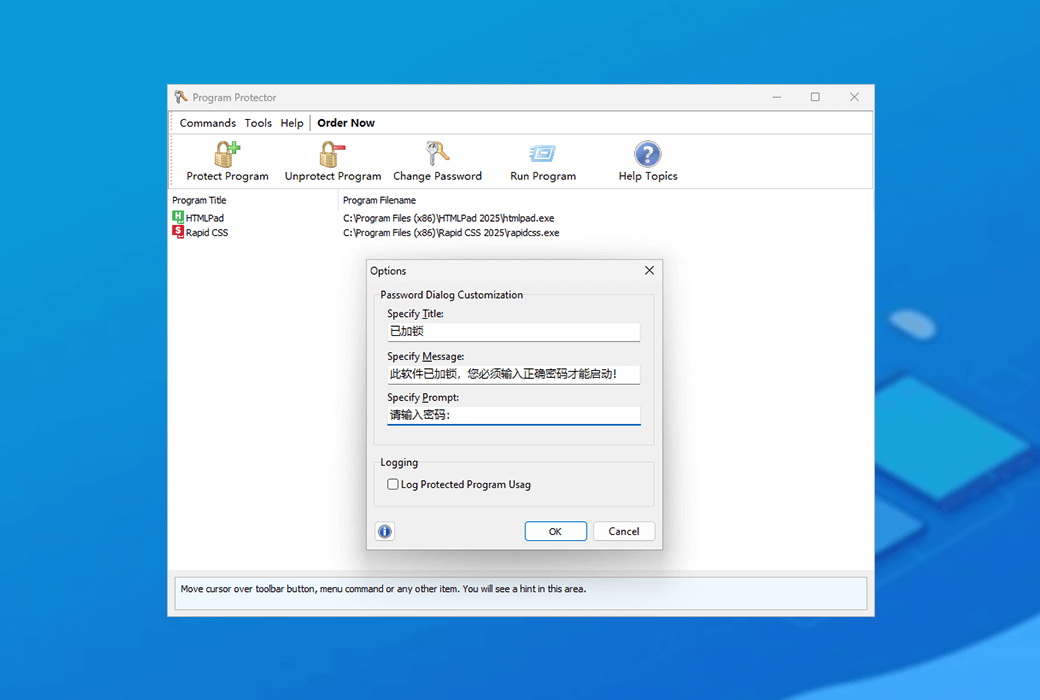
You can use the Options window to customize certain aspects of the Program Protector.
Custom password prompt
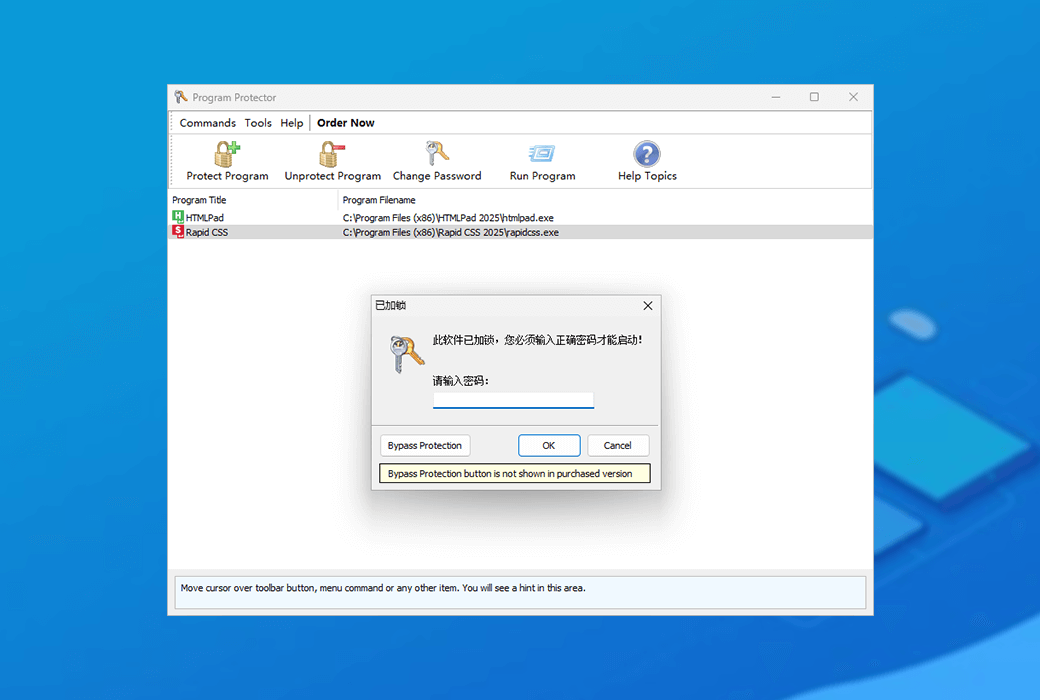
You can change the password dialog box window title, message, and prompt. This allows you to translate password prompt text strings into other languages, leave messages for people who share your computer, and explain why they should not run the program or why it is password protected.
If you have changed any fields and wish to restore the default title, message, and prompt, simply clear these fields.
Enable protected programs to use logging
Program Protector can record information about the usage of protected programs. To enable logging, please enable it; Log Protected Program Usage Options.